SnnyPet Support & Knowledge Base
Interactive Web Manuals

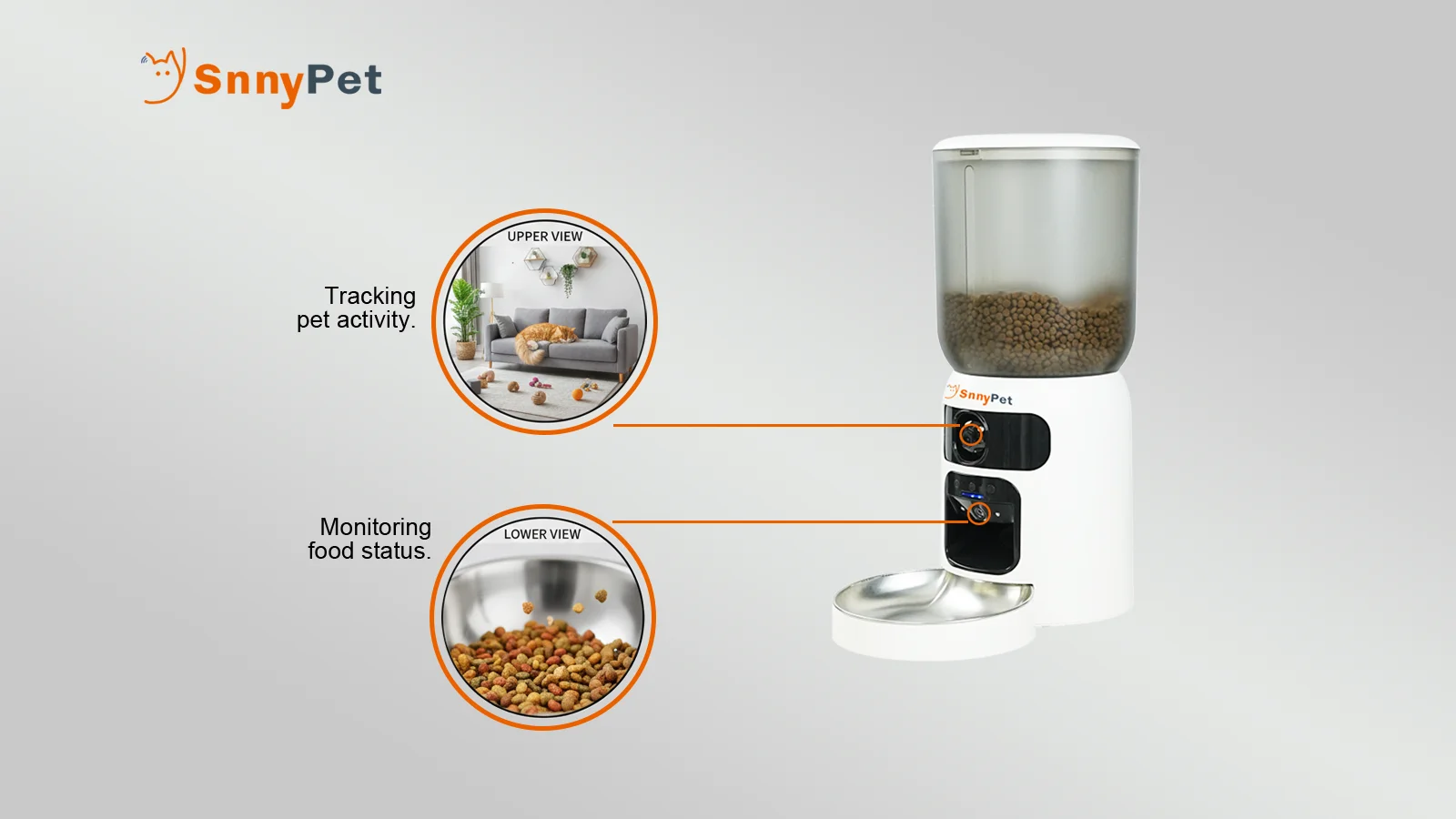
ZY-245W AI Smart Dual-Camera Feeder User Manual
Interactive guide for assembly, App connection, and maintenance.
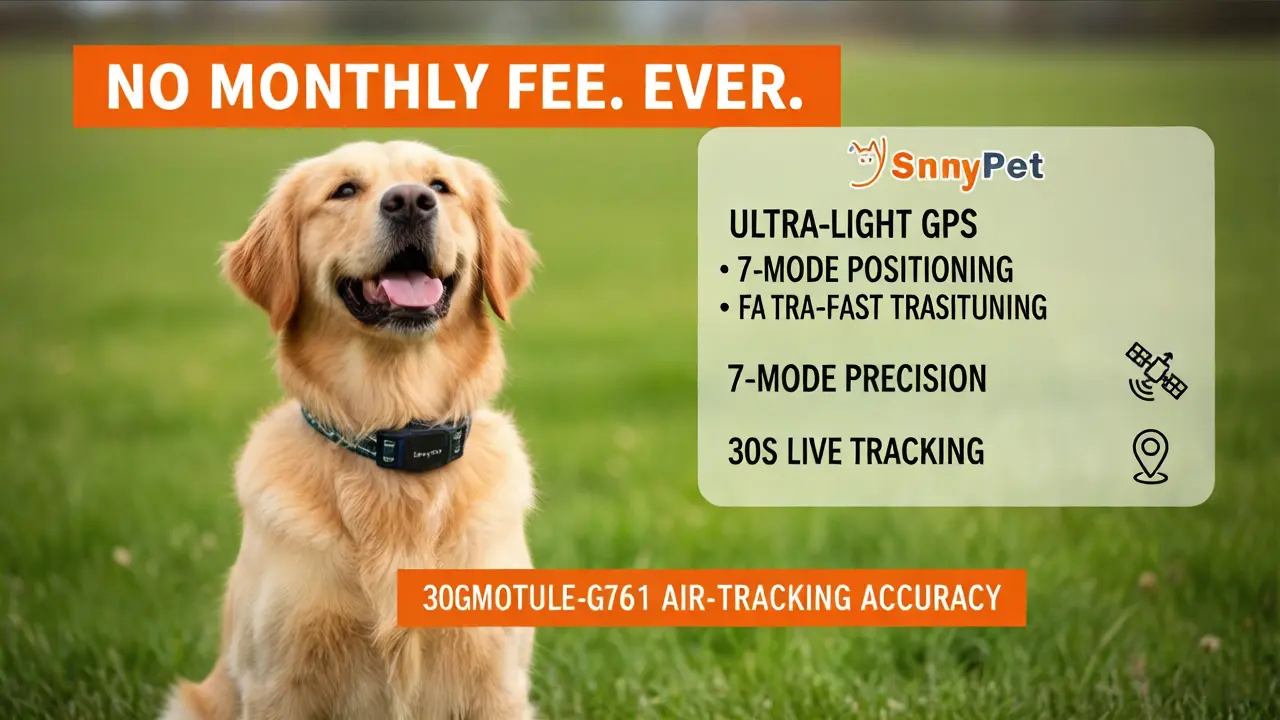
SnnyPet G761 Air Track GPS Interactive Guide
Interactive guide for assembly, App connection, and maintenance.
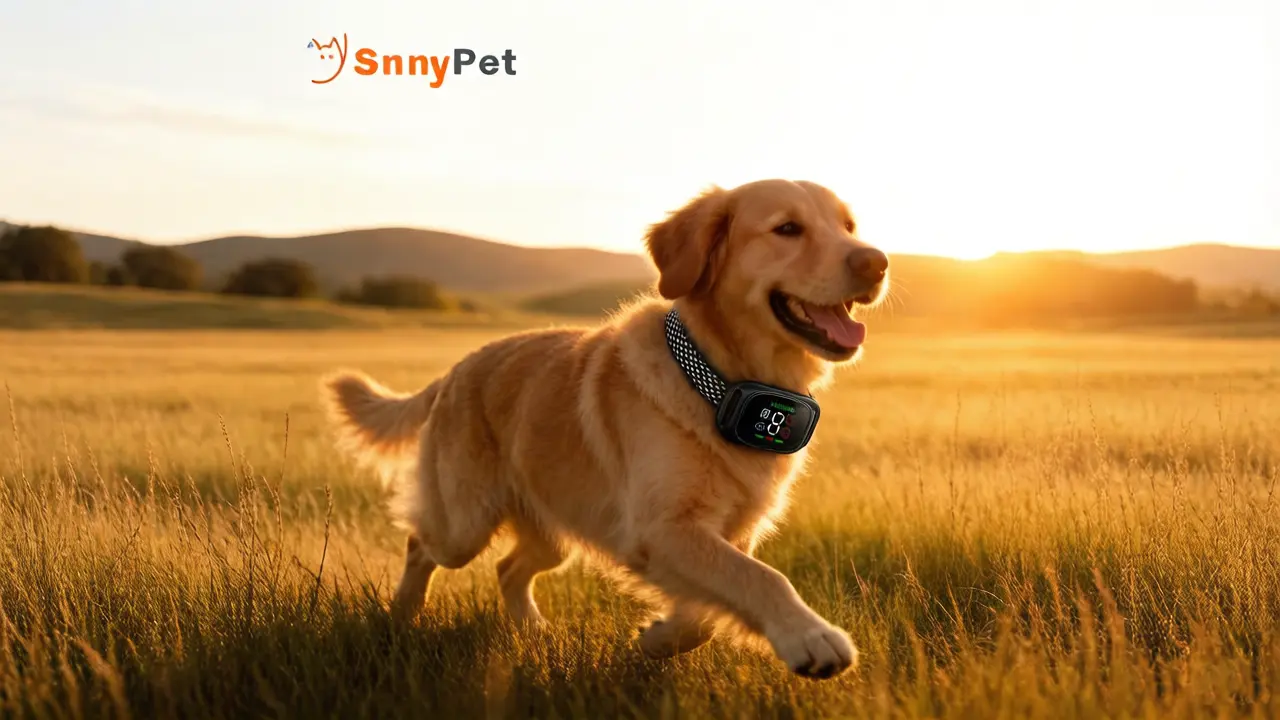
SnnyPet Q12 Smart Bark Guardian Interactive Guide
Interactive guide for assembly, App connection, and maintenance.

Snnypet Academy: Behavioral Training
From basic commands to advanced communication strategies.

Q12 Smart Guardian: From "No Barking" to "Effective Communication"
A Science-Based Guide to Positive Reinforcement Training
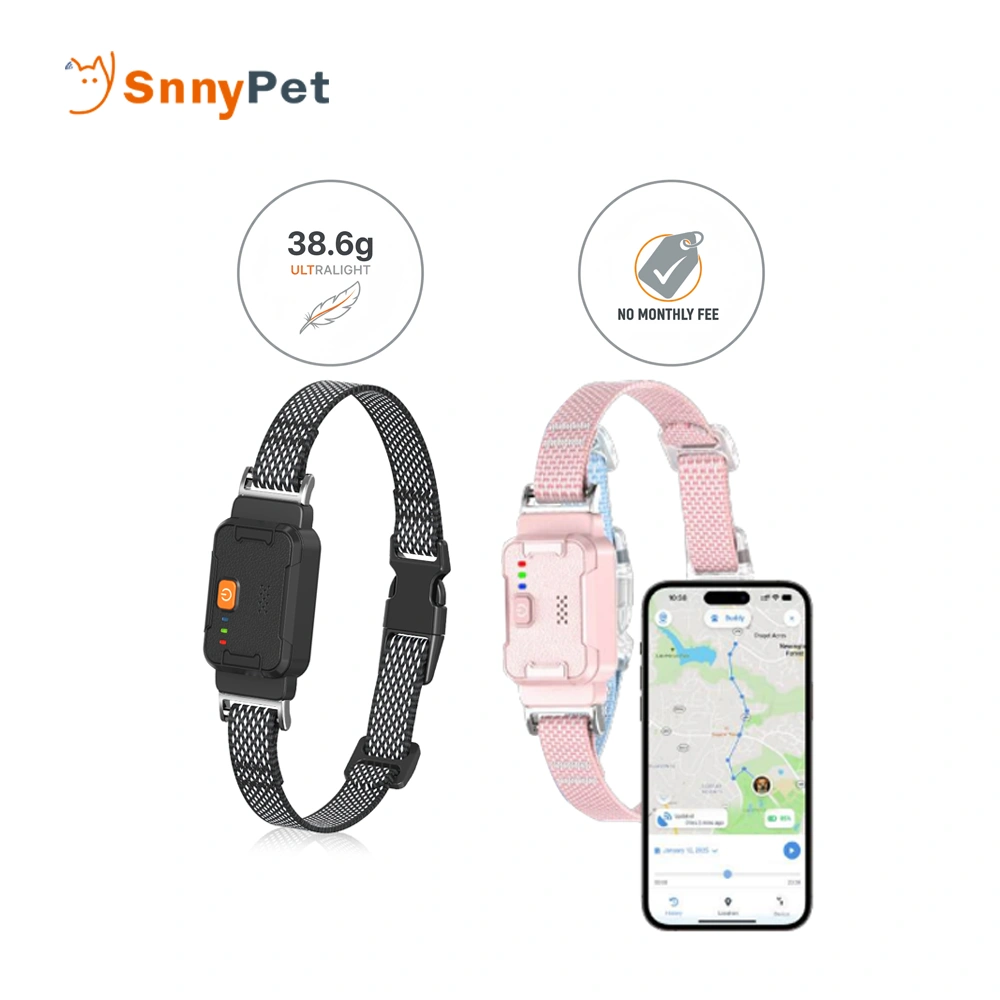
G761 Smart GPS Fence: From Invisible Walls to Reliable Freedom
A Science-Based Guide to Positive Reinforcement Training
Product Support & Troubleshooting
Find quick solutions and technical guidance for your SnnyPet smart devices. Select your product below to get started.

ZY-245
Step-by-step guidance for Wi-Fi pairing, meal scheduling, and solving food dispensing or jam issues.
Q12
Troubleshooting for sensitivity settings, vibration mode adjustments, and effective barking behavior training tips.
G761
Get expert help with GPS signal strength, location accuracy fixes, and TLife App connectivity issues.
ZY-245 Troubleshooting & Support
Please ensure you are connecting to a 2.4GHz Wi-Fi network (most 5G networks are not supported for initial pairing). Make sure the feeder is in “Pairing Mode” (Indicator light flashing) and your phone’s Bluetooth is turned on. If it fails, try resetting the device by holding the reset button for 5 seconds.
How does the dual power supply system work during a power outage?
First, check if the food hopper is empty or if the kibble has formed a “bridge” inside. Second, verify if the internal rotating motor is functioning. If the motor turns but no food comes out, clean the dispensing mechanism to ensure the silicone impeller isn’t worn or blocked.
Q12 Troubleshooting & Support
This is usually due to high sensitivity in a noisy environment. The Q12 features 8 sensitivity levels; Level 8 is the most sensitive. If you are in a dog park or a noisy room, please lower the sensitivity to Level 1-5 by short-pressing the power button. Also, ensure the collar is not too loose, as friction against the fur can sometimes cause false triggers.
First, check if the Sensitivity Level is set too low (Level 1 or 2). Try increasing it to Level 5 or higher. Second, ensure the device is fitted correctly. It must follow the “One-Finger Rule”—if the collar is too loose, the sensor cannot accurately detect the throat’s vibration, which is necessary for activation.
Every dog has a different tolerance level. If your dog doesn’t respond to the standard vibration (Mode 2/3), please switch to Mode 4: Dual Vibration Mode (indicated by the Red icon 🔴). Also, for long-haired breeds, ensure the sensor is in close contact with the skin; you may need to trim a small patch of hair for better contact.
Please ensure you are using a standard 5V output charger. Using a 9V or 12V “Fast Charger” can trigger the internal protection and potentially damage the battery. Also, check the magnetic charging ports on the back of the device for any dirt or hair, and wipe them with a dry cloth to ensure a solid connection.
Safety is our priority. The Q12 is compatible only with 5V output chargers. High-voltage fast chargers (9V or 12V) provide too much power and can damage the device’s internal circuitry. To protect the battery, please use the provided magnetic cable with a standard 5V USB port, such as a computer port or a 5V power adapter.
The Q12 offers levels 1 to 8.
Level 5 is the best starting point for daily life.
Level 8 is the highest sensitivity, ideal for very quiet environments.
Level 1 is the lowest, best used in noisy places (like parks) to prevent accidental triggers from other dogs or loud noises.
To prevent skin irritation or pressure sores, do not leave the collar on your dog for more than 12 consecutive hours. Additionally, follow the “one-finger rule”: the strap should be tight enough that you can only fit one finger between the collar and your dog’s neck. This ensures the sensors work correctly without being uncomfortably tight.
First, ensure the device is touching the skin (you may need to trim a small patch of thick fur around the neck). If your dog doesn’t respond to a single vibration, use the “M” button to switch to Dual Vibration Mode. This mode provides a stronger, staggered physical reminder that is effective for dogs with lower sensory sensitivity.
G761 Troubleshooting & Support
The G761 uses three positioning modes: GPS, WiFi, and LBS. Indoors, satellite signals are blocked, so the device switches to WiFi or LBS (Cell Tower), which has a larger error margin (100m-500m). For pinpoint accuracy (within 5-10m), the device must be outdoors with a clear view of the sky until the Blue LED begins flashing, indicating a GPS lock.
This is usually caused by a poor cellular signal or SIM card issues. First, check if your SIM card has an active data plan. Second, check the Steady Green LED—if it’s not lit, the device is searching for a network. Try moving the tracker to an outdoor open area. If the issue persists, ensure the SIM card is inserted correctly and the device is powered on.
First, inspect the magnetic charging contacts on the back of the tracker for any dirt, mud, or pet hair; wipe them with a dry cloth. Use the original magnetic cable with a standard 5V output charger. A Steady Red Light indicates charging. If the device still won’t turn on, press and hold the power button for 10 seconds to perform a hard reset.
Snny (The Guide):
“I love that G761 can go for days without charging, but if you want to stretch it even further, it’s all about finding the right rhythm. Think of it like your own phone—if you’re constantly refreshing maps, the battery drops. Same here: choose a tracking mode that matches your pet’s adventure level, and the battery will thank you.”
Mark (The Guardian):
“Battery life is directly linked to update frequency. In the Tlife app, you can select from multiple modes:
Tracking Mode (30‑second updates) gives you real‑time location but consumes more power.
Daily Mode (10‑minute updates) balances accuracy and longevity.
Power Saving Mode (hourly updates) can extend operation to 15 days or more.
We also recommend keeping the device away from extreme temperatures and ensuring the firmware is up to date—each update may include power optimizations. If you notice unusually fast drain, check for accidental changes to update settings or background apps that might be polling the device excessively.”
Global Compliance & Safety Standards
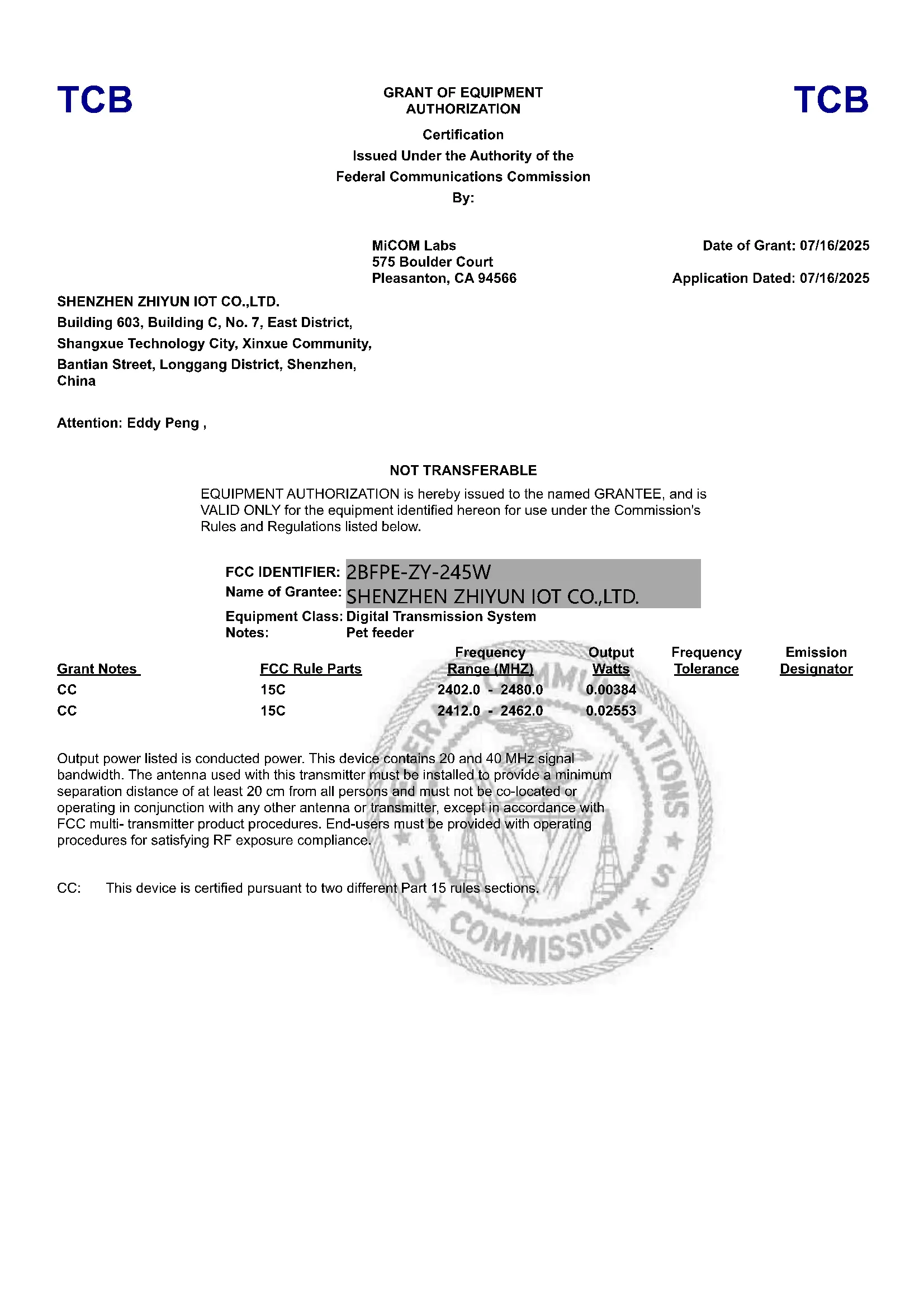
At SnnyPet, we prioritize the safety of your pets and the quality of our technology. Our products undergo rigorous testing to meet international standards. Below are the official certifications for the G761, Q12, and ZY-245W series.

ZY-245W FCC Grant
ID: 2BFPE-ZY-245W
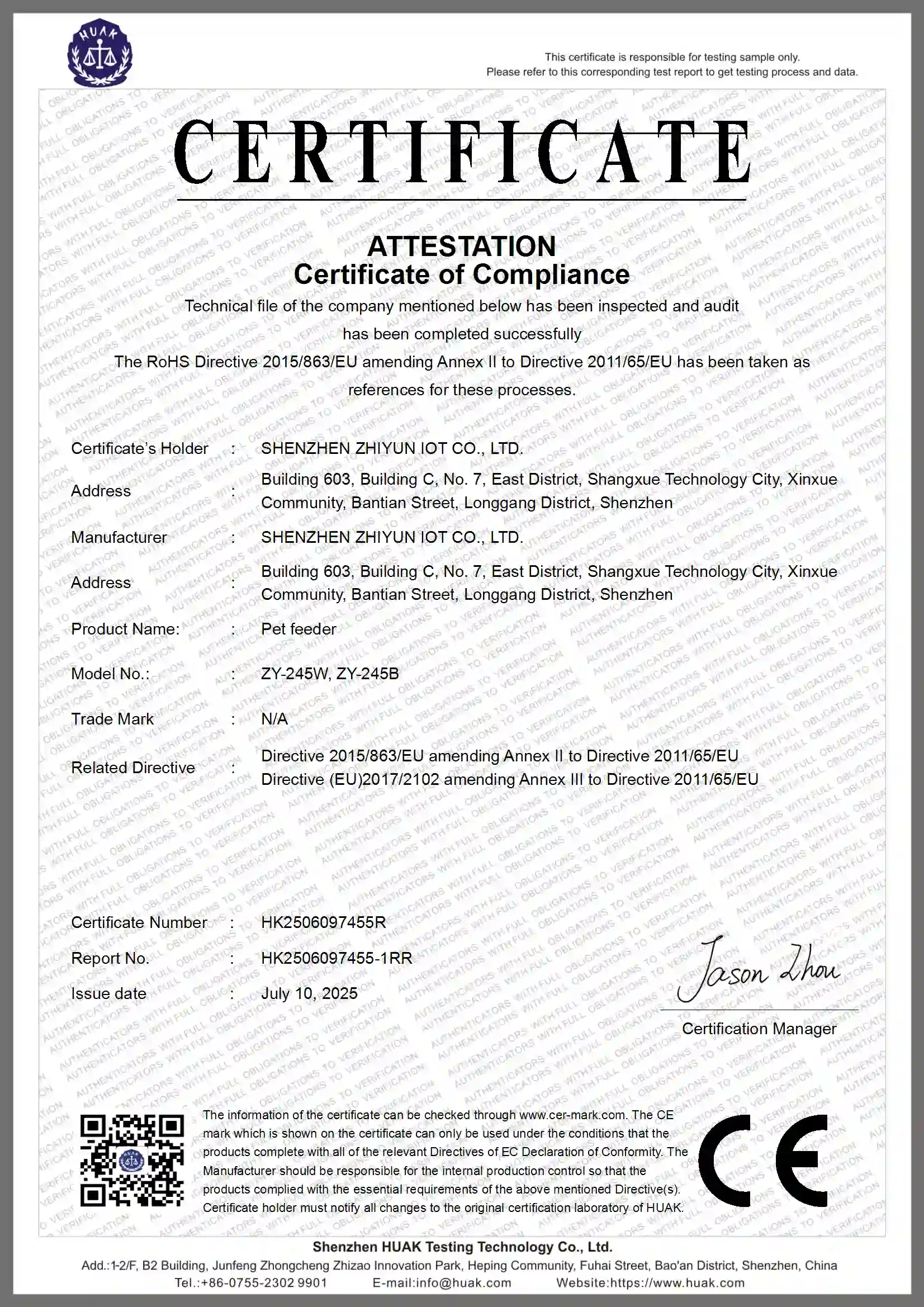
ZY-245W CE & RoHS Certificate
No. HK2506097455R
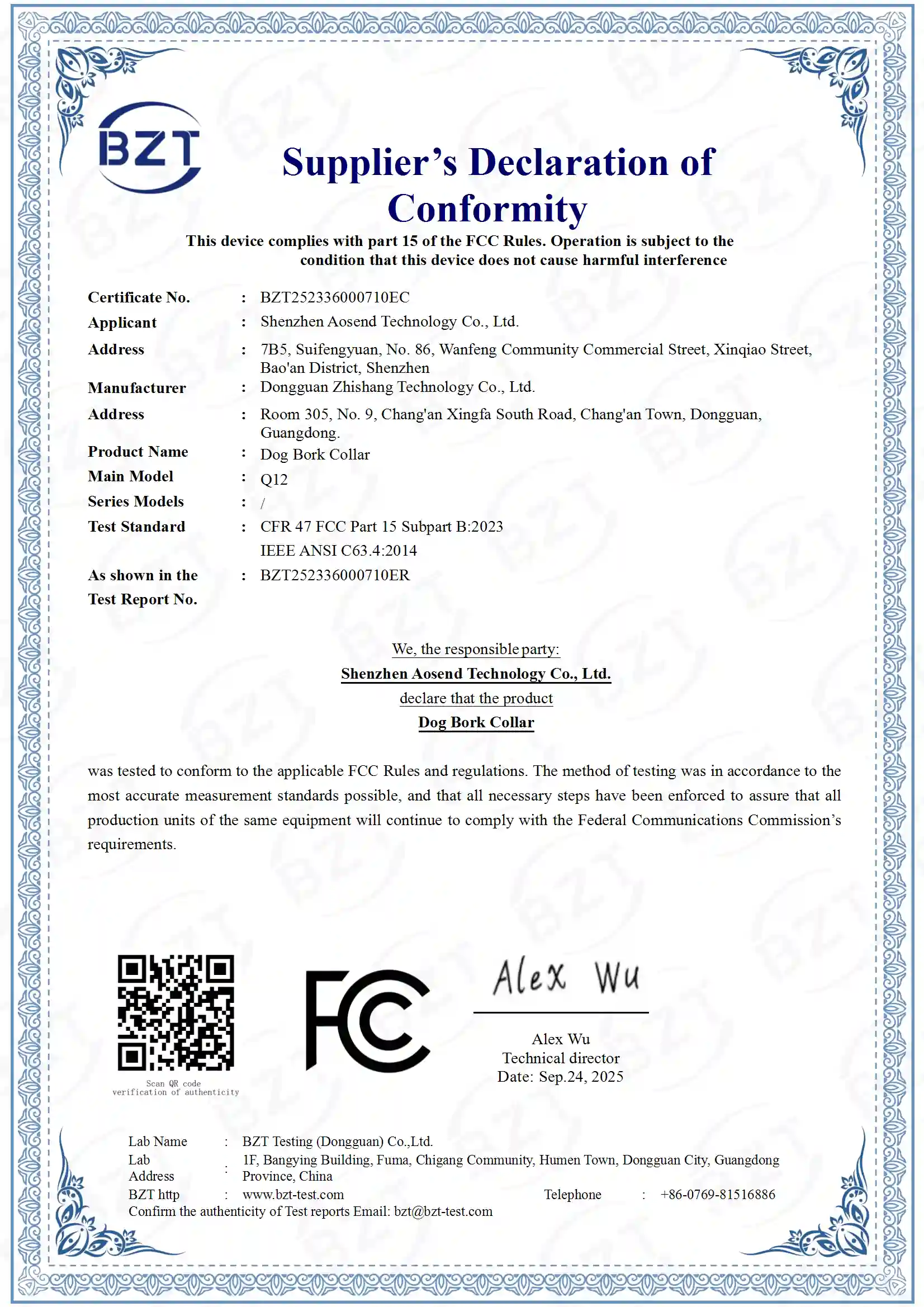
Q12 Smart Guardian FCC
No. BZT252336000710EC
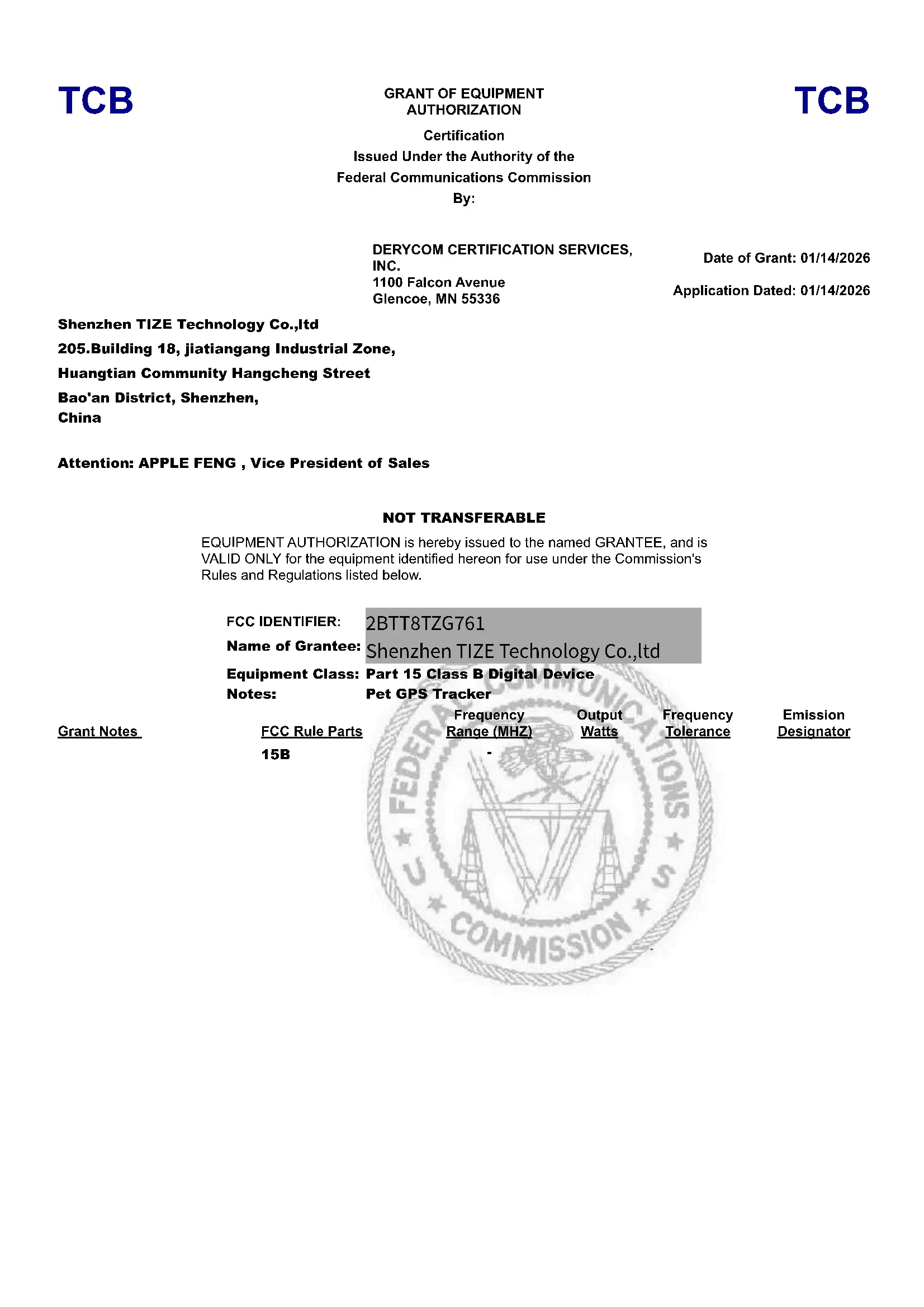
G761 GPS Tracker FCC
ID: 2BTT8TZG761
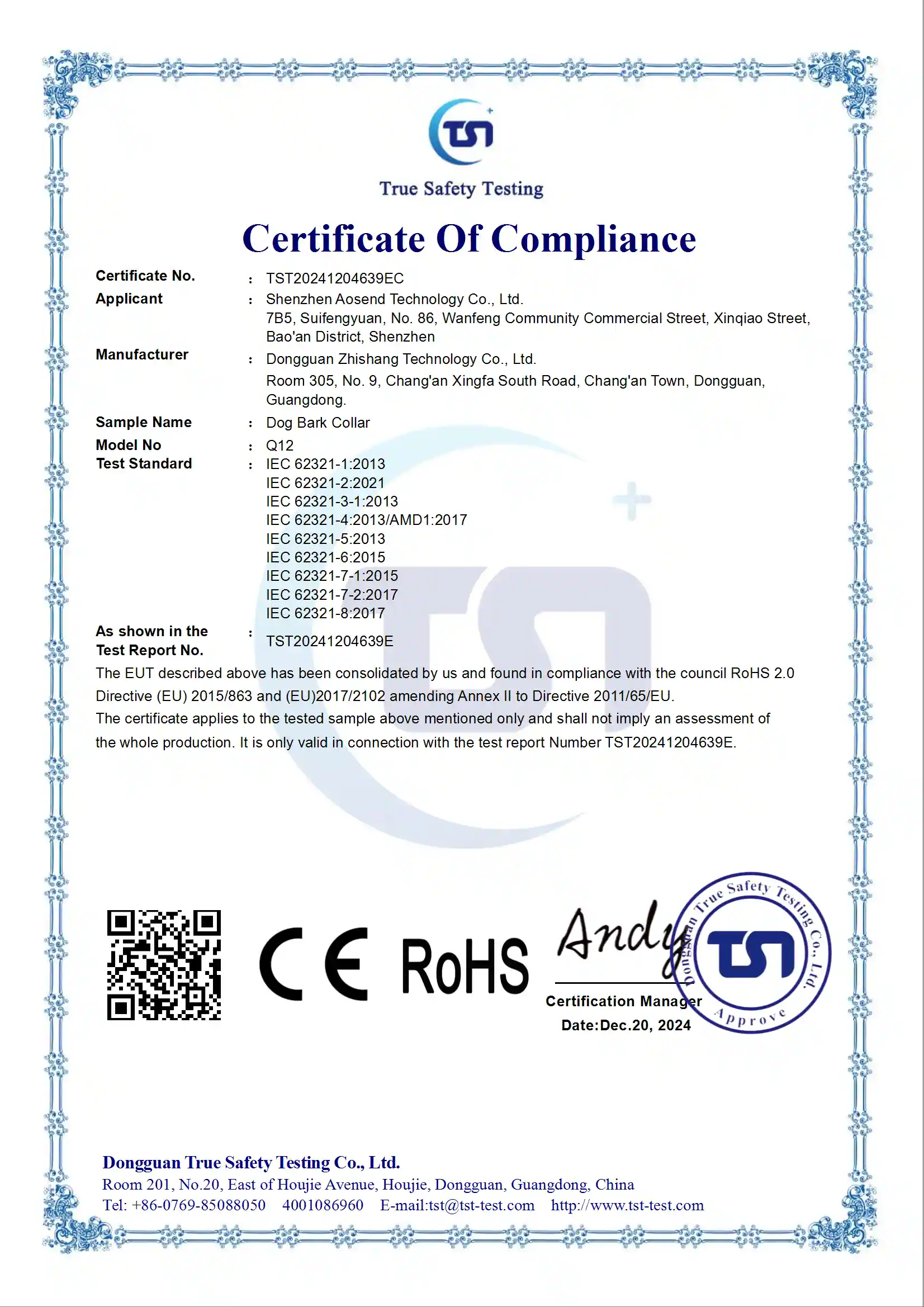
Q12 Smart Guardian RoHS
No. TST20241204639EC
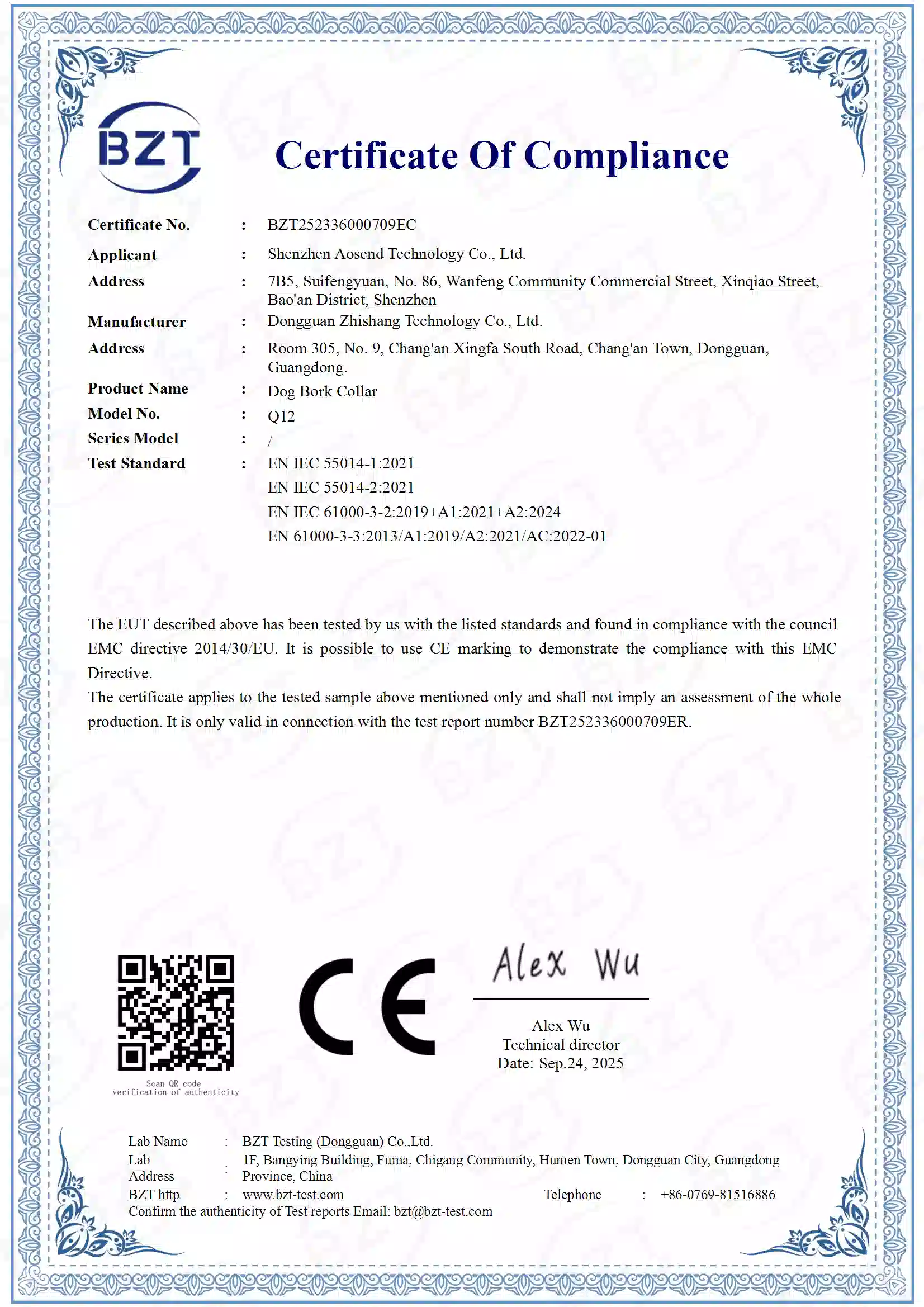
Q12 Smart Guardian CE
No. BZT252336000709EC
Join the SnnyPet Inner Circle.
Never miss a safety report or tech guide. Get expert insights & 10% off your first order.